ECU file services.
Built for the
workshop.
ECU file services for professional tuners. Checksum verification, DTC analysis, immobiliser data and calibration transfer—processed on our servers.
Server catalogue. Final compatibility is checked against your file.
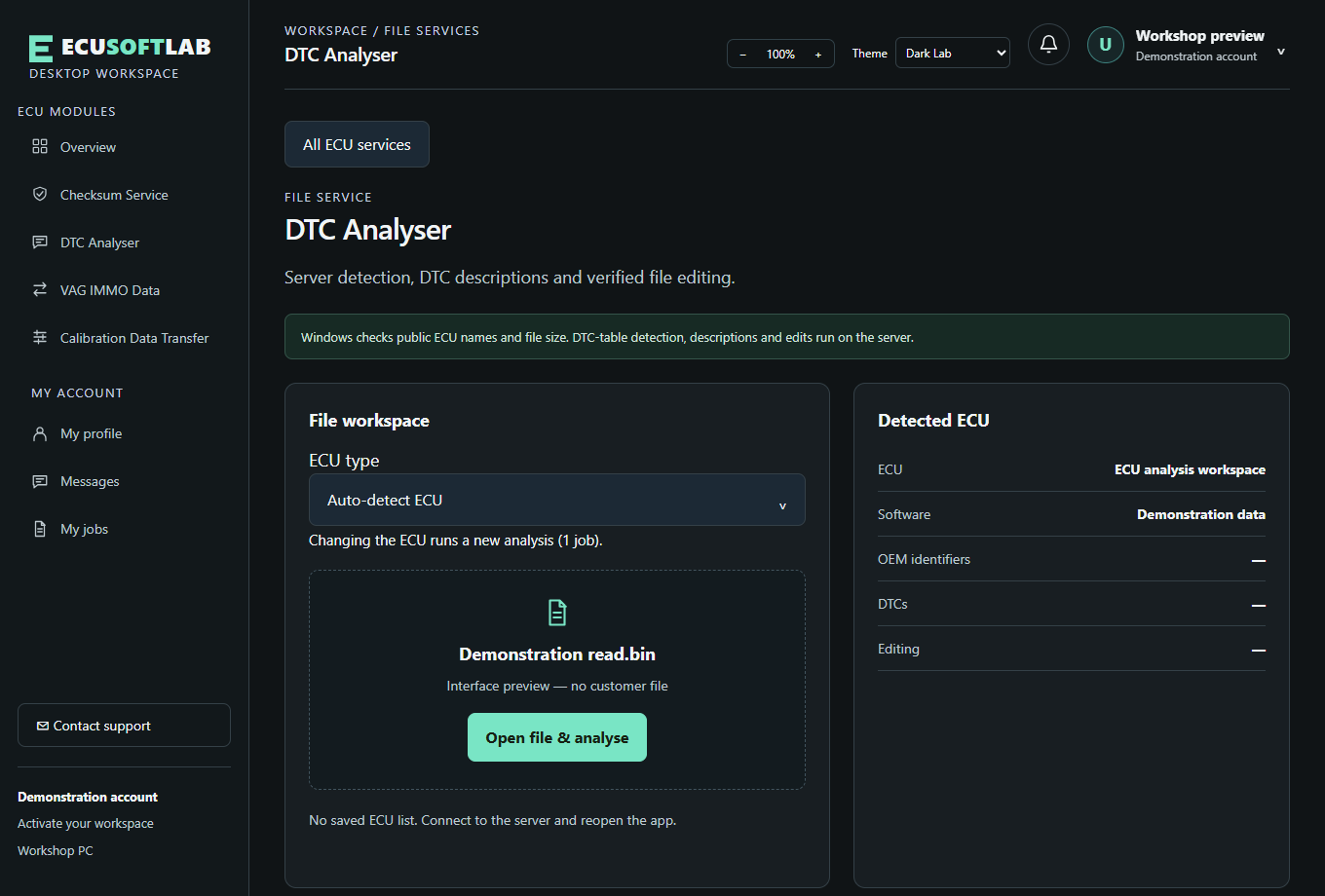
Select a read, review the result, save a separate output.
Four focused tools.
One working environment.
No generic promises. Choose the service, check the catalogue, then let the app validate your actual read.
Checksum
Verify the read. Save a corrected copy when correction is supported.
DTC analysis
Read the code list. Review descriptions. Edit supported diagnostics.
VAG IMMO Data
Read Volkswagen Group identity data and check replacement options.
Calibration transfer
Compare original, tuned and target reads. Review the changes before transfer.
A clear route
through the file.
Start with a verified email account. Each PC you use is registered to your account with its own device key. You can see registered PCs in your account. PC access rules for your plan are shown in your account. The same profile is available on the website.
Create your account- 01
Install & verify
Download the Windows app. Register with email and password, then verify your email.
- 02
Load your ECU read
Choose a service. The server identifies supported content and reports what can be done.
- 03
Review & save
Check the result and save a separate output. Use the checksum service separately when needed.
A workshop mindset.
A careful process.
ECUSoftLab brings the workbench and the server together. Support develops through file analysis and comparison with known results. When a file cannot be validated for an operation, it will be refused—please contact support.
Catalogue names are public. Detection internals and customer data are not.
About the labCoverage keeps moving.
Loading published updates…
Check the ECU.
Bring it to the lab.
Windows desktop · Online processing · Verified account